
A common question we field at the library is, “Do we have access to [PUBLICATION/ARTICLE TITLE]?”
Usually this question is asked by someone who came across a paywalled or truncated article while browsing the web, or received a linked article from a friend from a publication that they can’t access without a subscription.
We are always happy to help in cases like this, so never hesitate to reach out and ask a librarian, but we figured it might also be helpful to share a few tips for navigating this situation using library resources.
Tip #1: Finding a Specific Magazine, Newspaper, or Journal
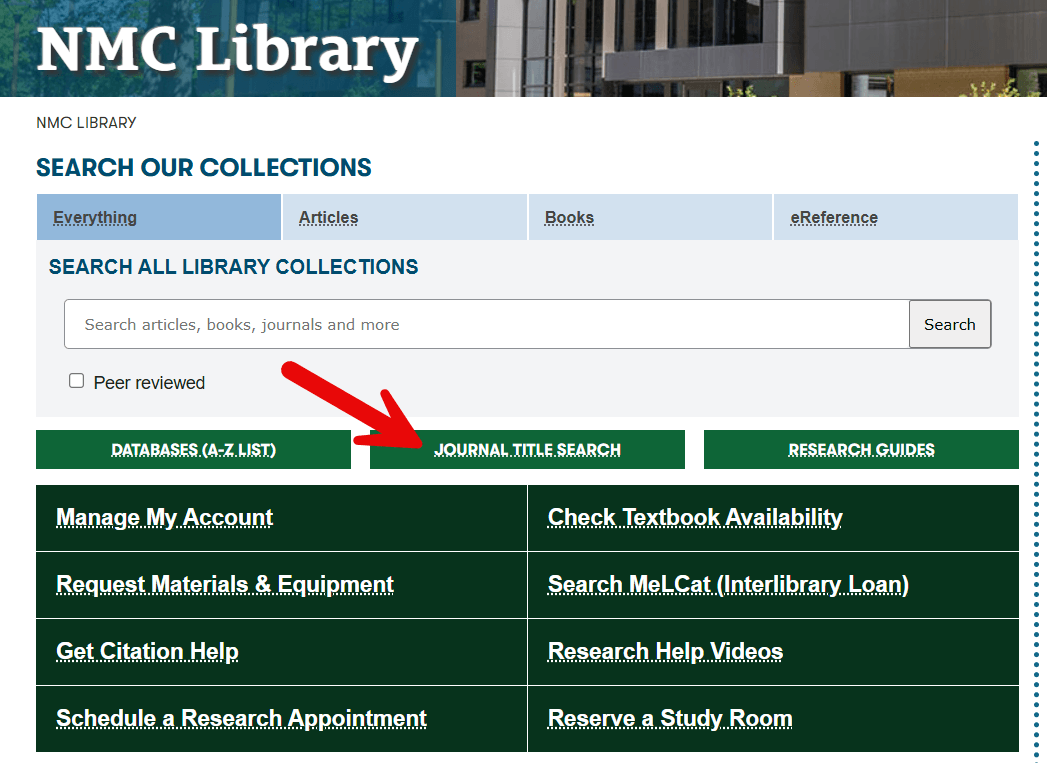
The simplest way to check if the library subscribes to a specific magazine, newspaper, or journal is by using the ‘Journal Title Search‘ button directly below the search box on the library homepage. Clicking this button will take you to a ‘Publication Finder’ search page where you can check for access for a particular publication.
Tip #2: Checking for ‘Web Edition’ Qualifier
Some publications maintain separate ‘editions’ for their print issues and their digital or internet-only content. The Atlantic is a good example. When they license that content to libraries, they do so in separate packages. As shown in the image below, The Atlantic contains material from print issues of the magazine, while Atlantic: Web Edition Articles exclusively contains articles that were published directly to the website and never appeared in print.
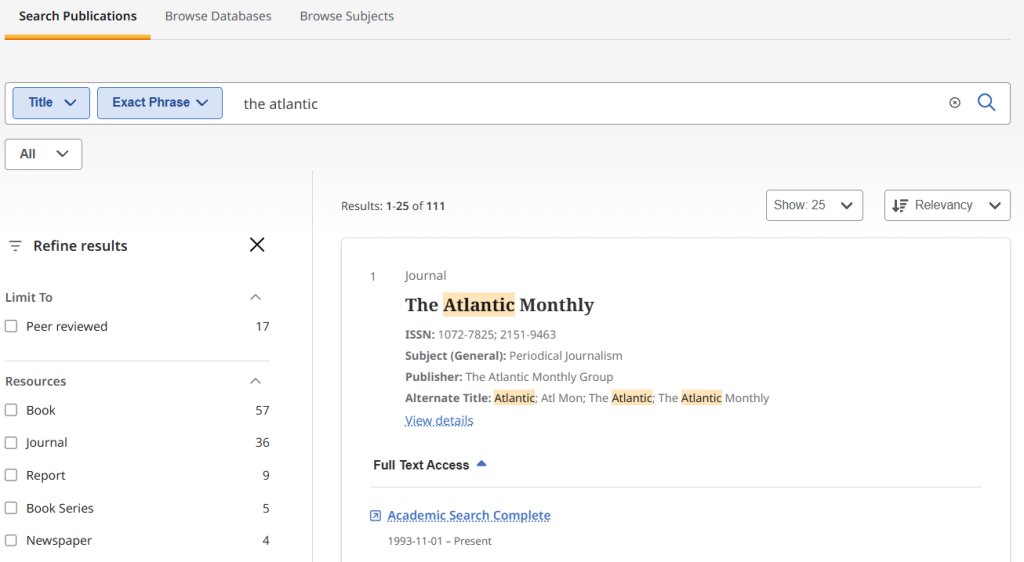
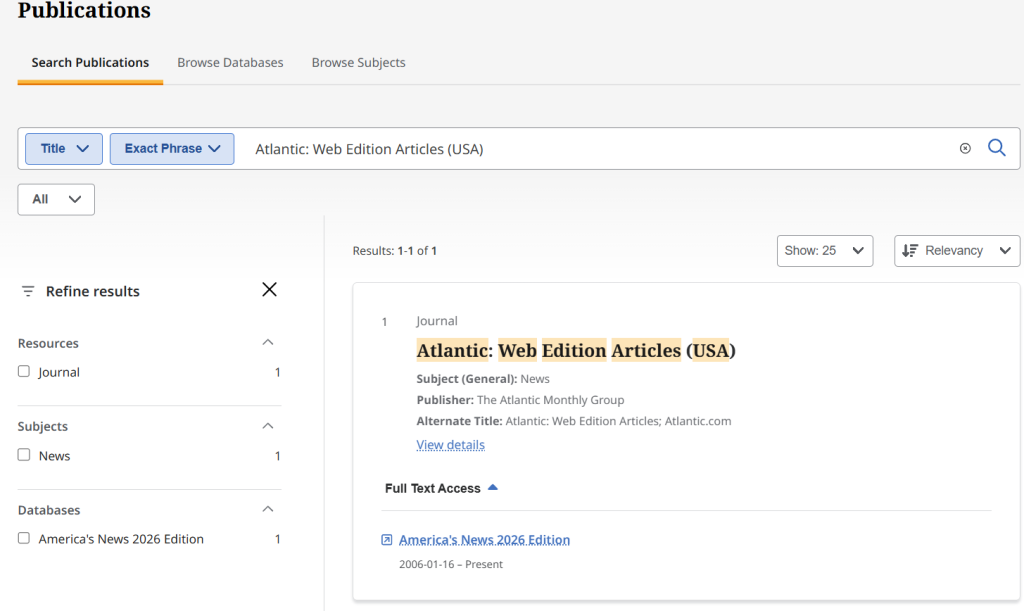
It’s not always obvious when looking at an article on a publication’s website, or an excerpt forwarded via email by a friend whether the article is a piece that appeared in the print edition or only on the publication’s website, but if you are searching within a publication in the library databases for an article you know they published and aren’t seeing it, it may be because the article only appeared in the ‘web edition,’ so checking both editions can be a solution.
Tip #3: Searching by Author and Date vs. Headline/Title
One significant change that accompanied journalism’s paradigm shift from print to digital is that headlines or article titles became much less stable. Because it’s simple to change a headline after publication in a digital context, editors started experimenting with updating headlines over time or even A/B testing two different headlines for the same story to see which attracted more readers.
An unfortunate consequence of this practice for readers and researchers is that the headline you saw when you first accessed an article online or the title a colleague shared may not match the article’s current title, or its title in a library database.
Below are two versions of the same article about the discovery of a new feline species with different headlines:
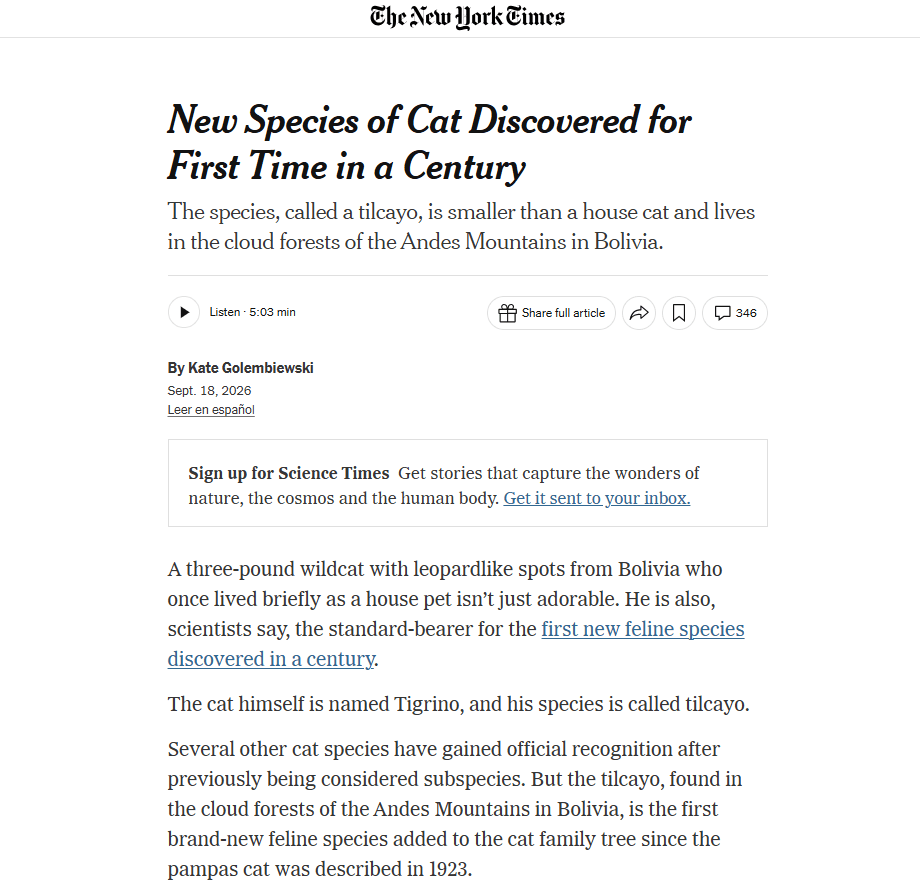
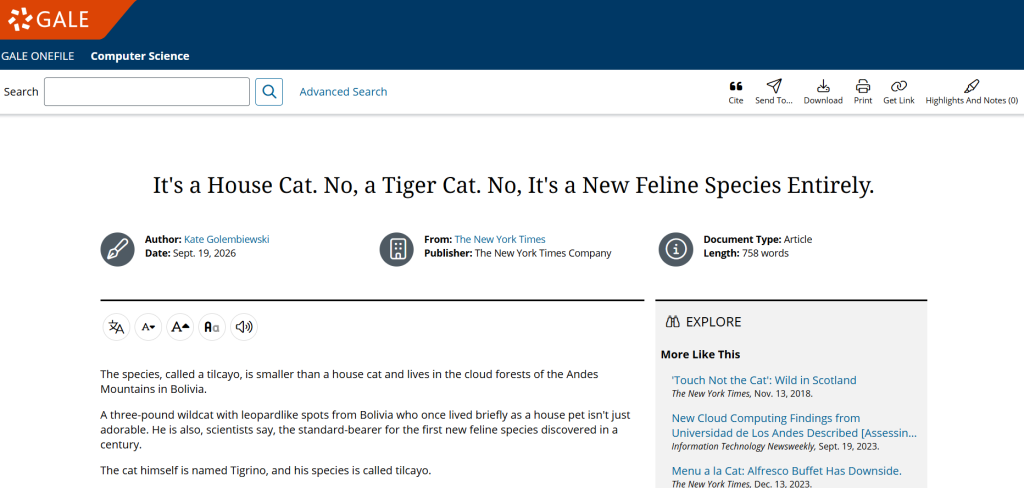
For this reason, it can sometimes be a better strategy to search by author, publication, and date rather than by title or headline when looking for a specific article in the library databases. You can start by finding the publication (see Tip #1 above) and then ‘search within’ for the author’s name and filter the results to a month or two that include the publication date range.
Publication date can vary a bit too in the databases, with articles sometimes showing an earlier publication date than the print issue they appeared in, so including a slightly wider window is a good practice. The author’s name will be doing most of the heavy lifting here. Searching ‘Golembiewski, Kate’ within the New York Times with a date range of 9/1/2026 through 9/30/2026 would definitely return this example article, but searching by the headline may not.
We are always happy to help track down an article, so please do reach out if you are ever stumped or if you don’t have time to hunt around on your own!
Stay tuned for Beating the Paywall, Part II: Setting up Library Links in Google Scholar.