Aug 21, 2023
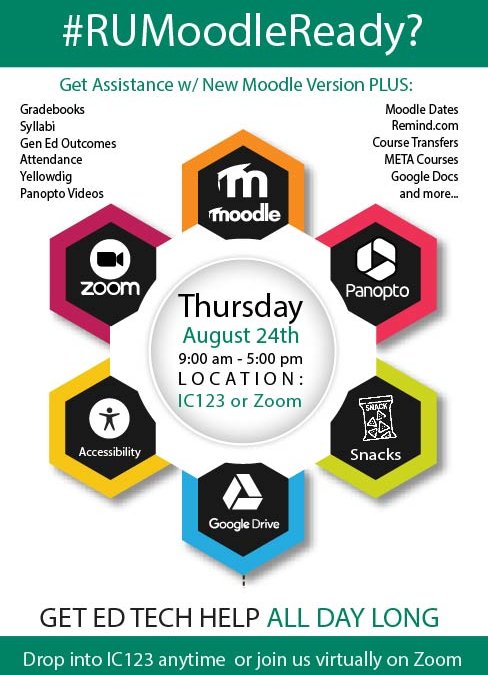
Are you still struggling with locating the core settings in our new version of Moodle? Are you behind in preparing for the start of the fall term? Do you want to try some new exciting digital activities but don’t know where to start? Did you forget how to set up...

Aug 11, 2023
The 45-minute training video covers NMC’s new version of Moodle, which we updated to on August 12. Topics of the session include the rationale for the upgrade and change of Moodle theme, the new dashboard experience, the different course appearance and...
Aug 7, 2023
As most NMC instructors are already aware, on Saturday, August 12, Moodle gets updated to a new version and theme. This will be the largest change to Moodle’s appearance and functionality since NMC moved to our current theme in December of 2020. While...
Jul 25, 2023
After a scorching summer of burnt-out lawns and days at the beach — or just dreaming of days at the beach — we turn our attention to the start of a new academic season. Alongside our fall reset, after the summer recharge, will be a new Moodle version and theme. Please...
Jun 14, 2023
On August 12, Education Technology will be upgrading Moodle from version 3.9 to version 4.1. Unlike several of our past Moodle upgrades, this update will bring major changes to the appearance, workflow, and overall feel of Moodle. You can get a sense of the scale of...

