Annotated by the Author is published weekly by the New York Times - it highlights one of the week's articles and has the author explain their revision, editing, and rhetorical choices. Everything from fixing grammatical errors to specific use of terms and names are...
Faculty & CIE Articles
Asking & Receiving Quality Feedback from Students
Students have great insights of our teaching and lessons. I have worked this year to actively seek out feedback from my students and ask them to reflect on my teaching and their learning. While this has the potential to open myself up to some sharp criticisms, I...
Using Moodle “Quiz” feature for class feedback & reflections
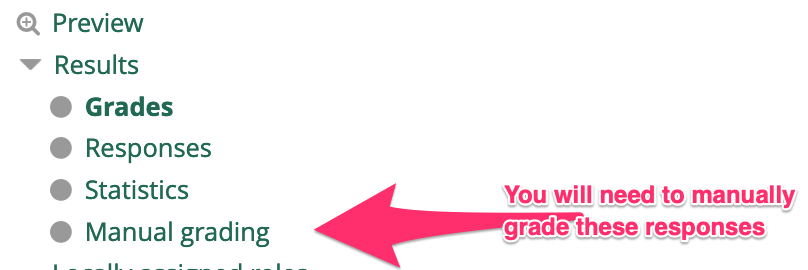
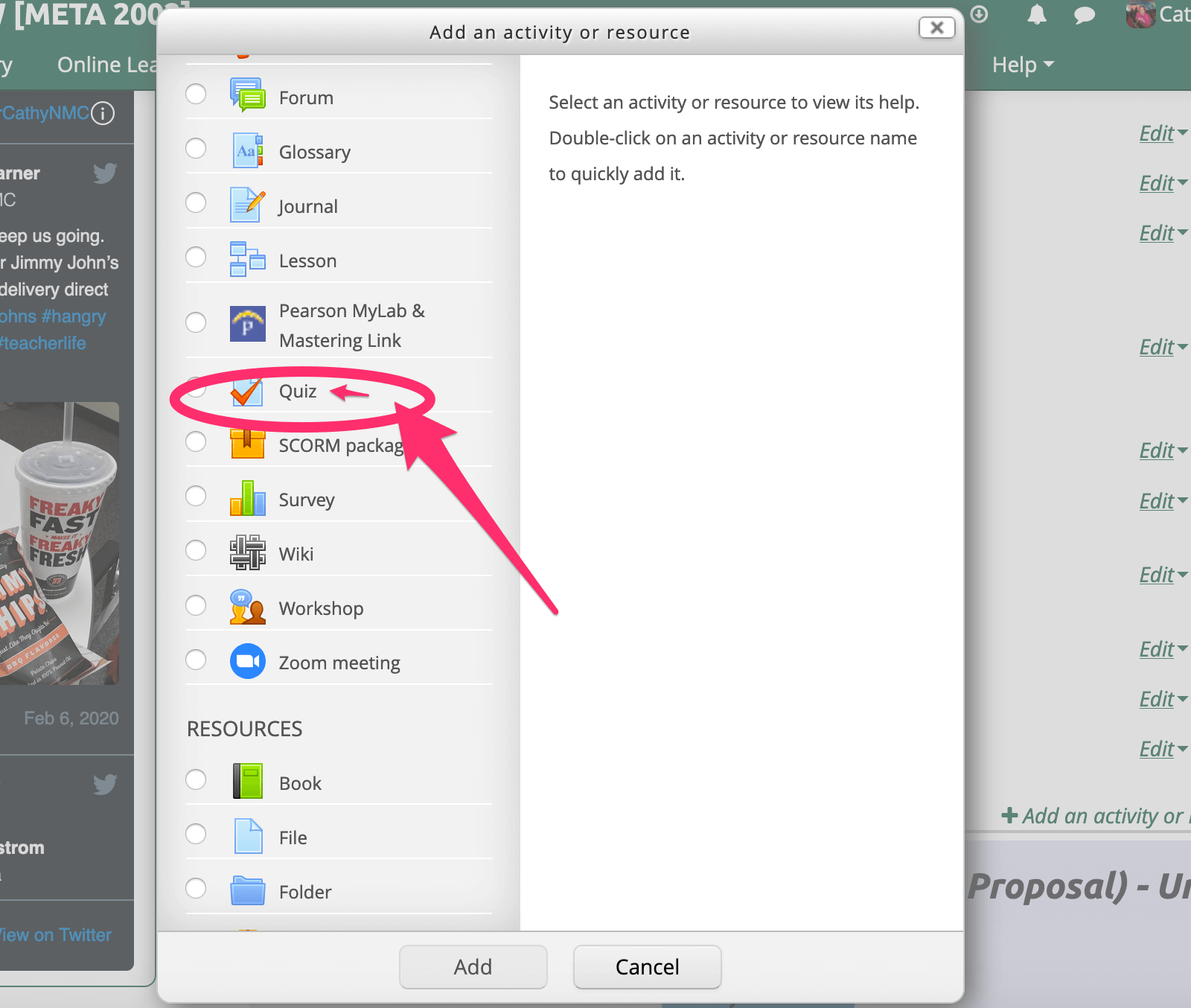
I have started using the Quiz feature in Moodle to collect feedback and short-essay reflections from my students. This feature has proven to allow students a greater amount of time to reflect on the content/experience, and thus the responses I receive are more...
Adding Headers and Footers to Google Docs
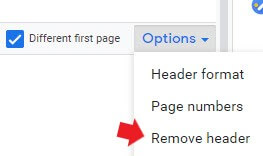
How to format your MLA / APA headers and footers in google documents. To add headers and footers to a document you first need to click on Insert. From there select Headers & footers then choose either, and add your text! Note...
Help the Library Better Support All NMC Learners!
As partners, collaborators, and users of library resources and services, we would like to invite you to share your perspective as the library plans some timely updates to our website and online resources. Among the factors inspiring these updates are: Our upcoming...
2020 Student Technology Use Survey
On February 4th, ORPE sent out a survey to NMC students to measure their access to technology at home, on campus, and how they use it in and out of the classroom. If you have a moment this week, please encourage your students to complete the survey that they received...
Quick Keyboard Tricks
Keyboard Shortcuts to Make Work Easier Made a mistake? Accidentally deleted some text and want it back? Ctrl + Z will undo your last command. For Mac users, simply replace Ctrl with the Command key. If you need to make a copy of text...
InfoSec – Using Public* and Shared Devices Safely
*A public device refers to any device, such as a computer, that is available in a public space such as a school, library, government office, or any other open-access area or business and may be used or accessed by multiple people. Keep it Casual. Avoid doing anything...
Tips for Grackle Docs Results
Now that you are more familiar with using Grackle Docs to check your Google Docs for accessibility, here are some tips to keep in mind when deciphering what the results mean. Red X: This means you should correct it. These are criteria that must be remedied according...