


Seven things to know from me as we go from in-class to on-line: a note from your professor
This is not the class I planned for you and certainly not the one you expected. I pledge to you that I understand that. This is stressful - for all of us. Please know I am going to do my best to make this last few weeks the best that they can be under the...
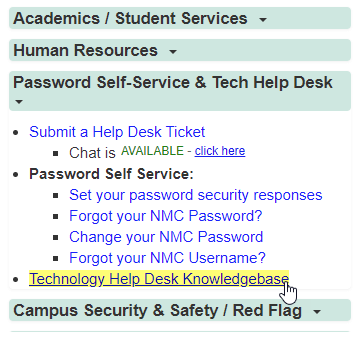
Technology Training Materials on the Tech Help Desk (THD) Knowledgebase
Looking for online training for you and your employees? The NMC Technology Help Desk offers a number of eLearn Modules and Screencast videos covering a wide range of technology topics. Check them out! Locating the Technology Help Desk Knowledgebase Scroll down on...

A New Approach to Moodle Suspended Users
The educational technology team recently changed a setting in Moodle that eliminates a former gradebook frustration. In the past, when students dropped a class, they remained visible in both the Moodle gradebook and on the "enrolled users" page. By changing a...
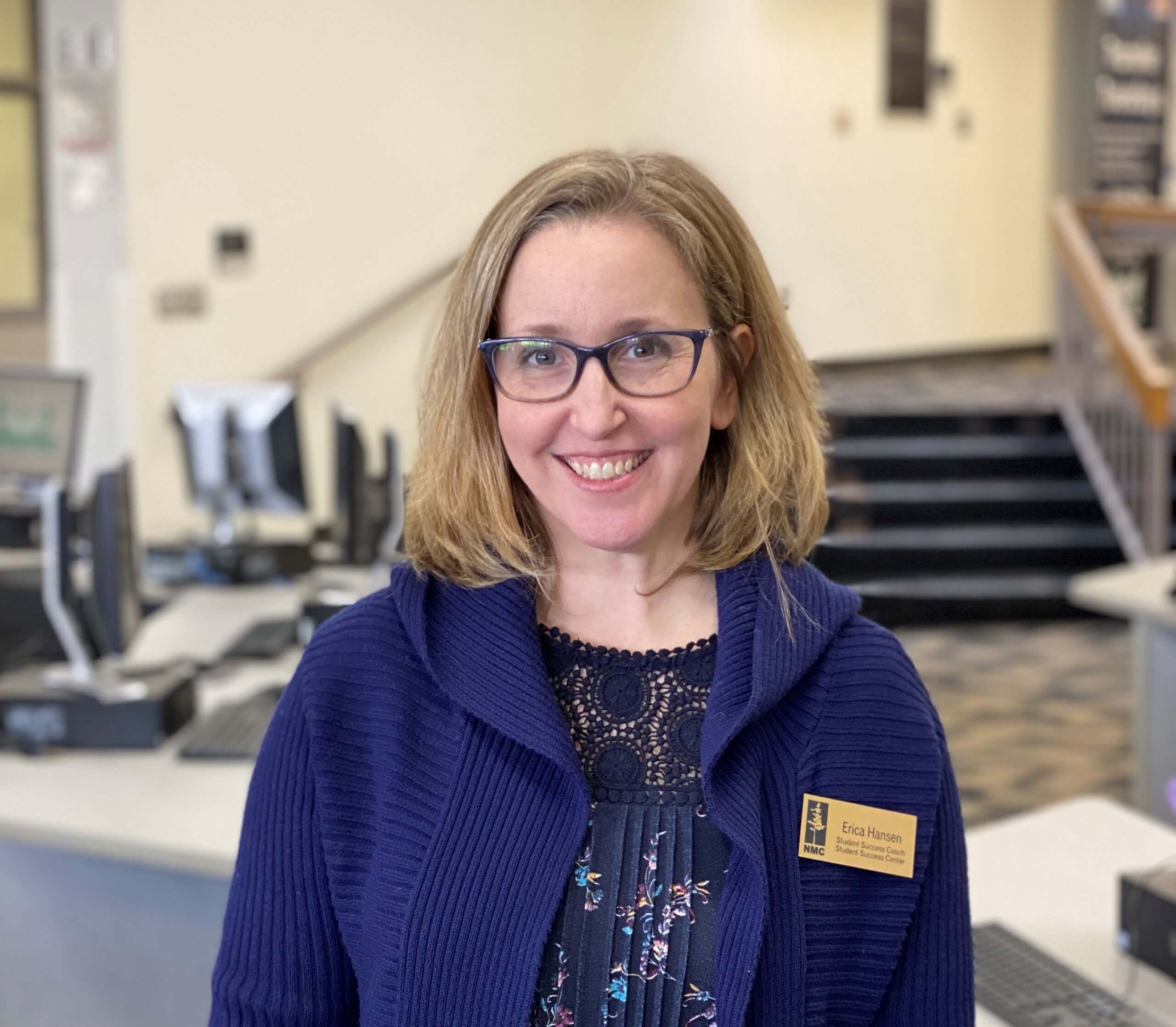
Introducing Erica Hansen – NMC’s new Student Success Coach
Erica joins the Student Success Center as a dedicated coach to our online student population. She comes to us with experience as a coach, instructor, higher ed administration, and many years in the business world. Her own education includes life coaching...
Try These Shortcuts for Text Selection
Here are some useful keyboard shortcuts when using programs such as Google Docs or Microsoft Office. For Mac users, replace the Ctrl key with Command. Highlighting Text There are ways to highlight specific text outside of dragging your mouse cursor over the words. If...
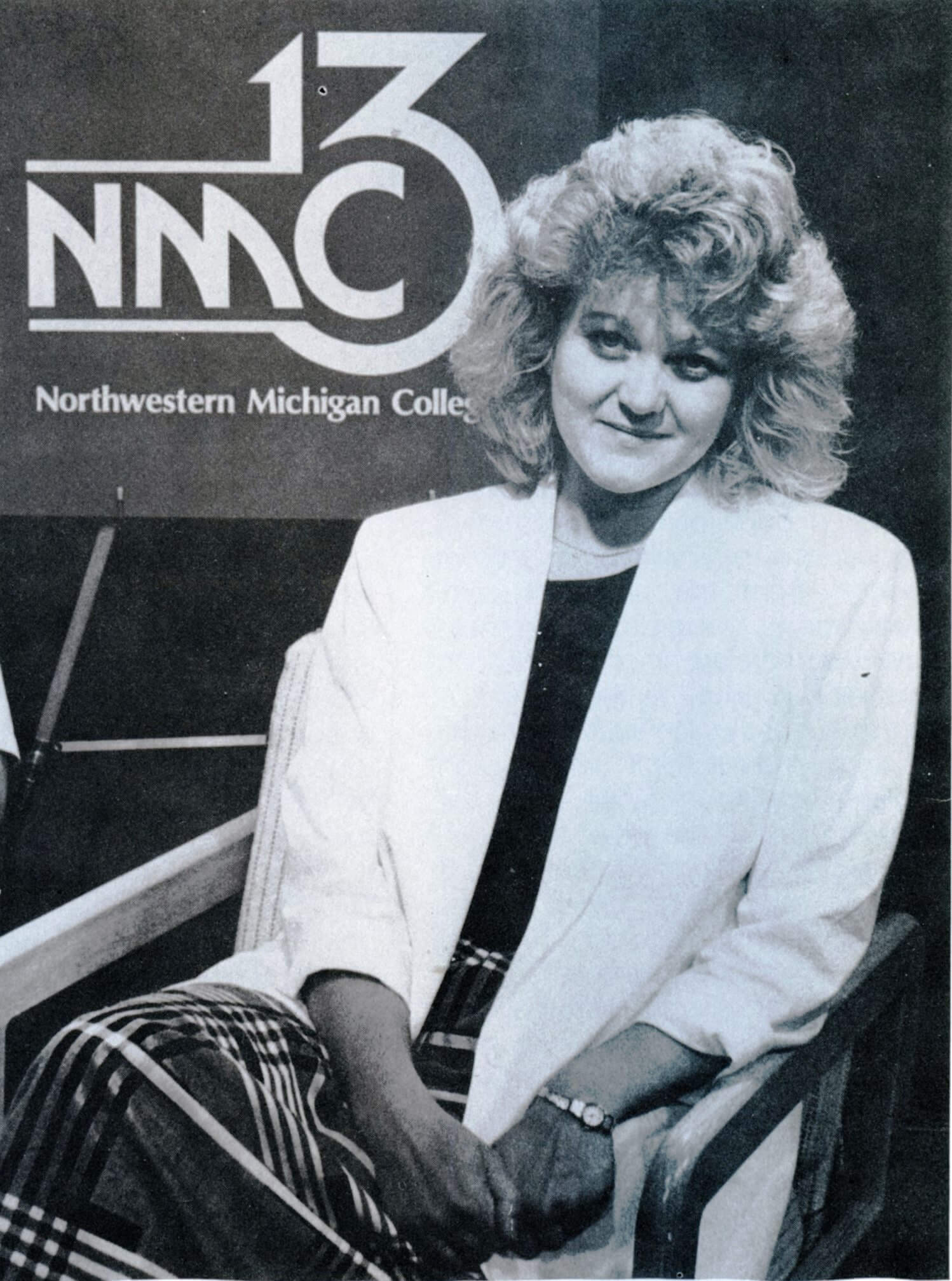
Congrats to Ronda Edwards
The Instructional Technology Council (ITC) honored Ronda Edwards with a Life Time Achievement Award on February 11, 2020 at their annual Elearning Conference in Charleston, South Carolina. Ronda was the original director of the distance learning program at NMC and...
Rhetorical Choices: Using the New York Times “Annotated by the Author” in Class
Annotated by the Author is published weekly by the New York Times - it highlights one of the week's articles and has the author explain their revision, editing, and rhetorical choices. Everything from fixing grammatical errors to specific use of terms and names are...
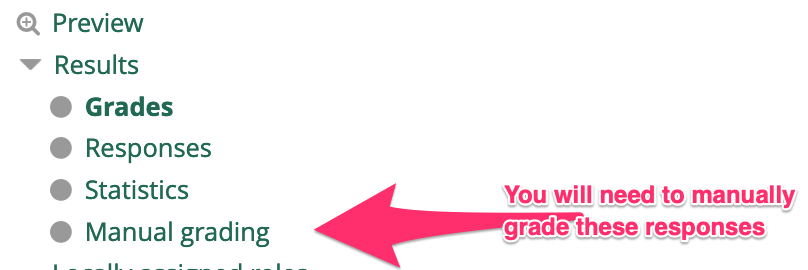
Asking & Receiving Quality Feedback from Students
Students have great insights of our teaching and lessons. I have worked this year to actively seek out feedback from my students and ask them to reflect on my teaching and their learning. While this has the potential to open myself up to some sharp criticisms, I...
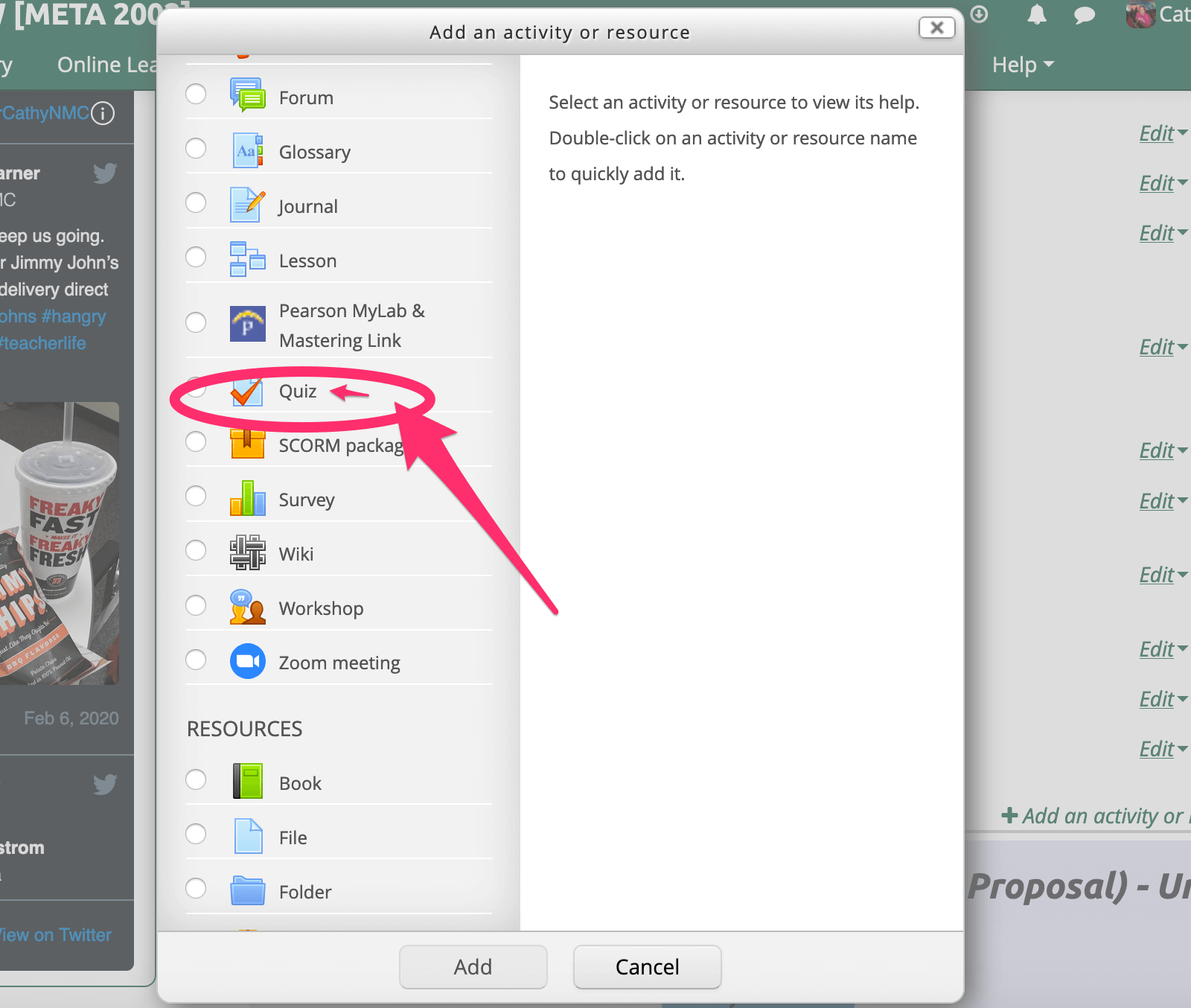
Using Moodle “Quiz” feature for class feedback & reflections
I have started using the Quiz feature in Moodle to collect feedback and short-essay reflections from my students. This feature has proven to allow students a greater amount of time to reflect on the content/experience, and thus the responses I receive are more...
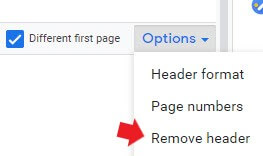
Adding Headers and Footers to Google Docs
How to format your MLA / APA headers and footers in google documents. To add headers and footers to a document you first need to click on Insert. From there select Headers & footers then choose either, and add your text! Note...